

Salesflare
How do I add users to my team?
 Jeroen CorthoutLast updated:
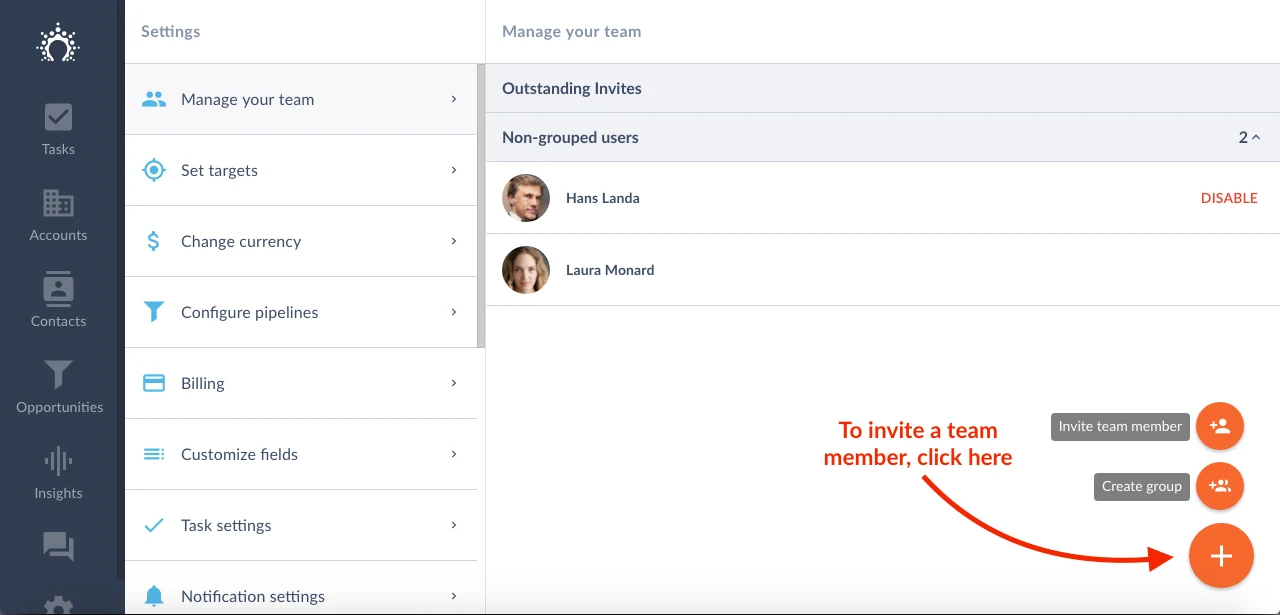
 To invite your colleagues to your team, go to Settings > Manage your team.
Click on the large blue "+" button at the bottom right of the screen and hit "Invite team member".
Your colleague will receive an email. When he/she clicks on the link in that email, your colleague will be able to join your team directly.