

Salesflare
How do I change my password?
I forgot my password, how do I reset it?
 Andrea BustosLast updated:
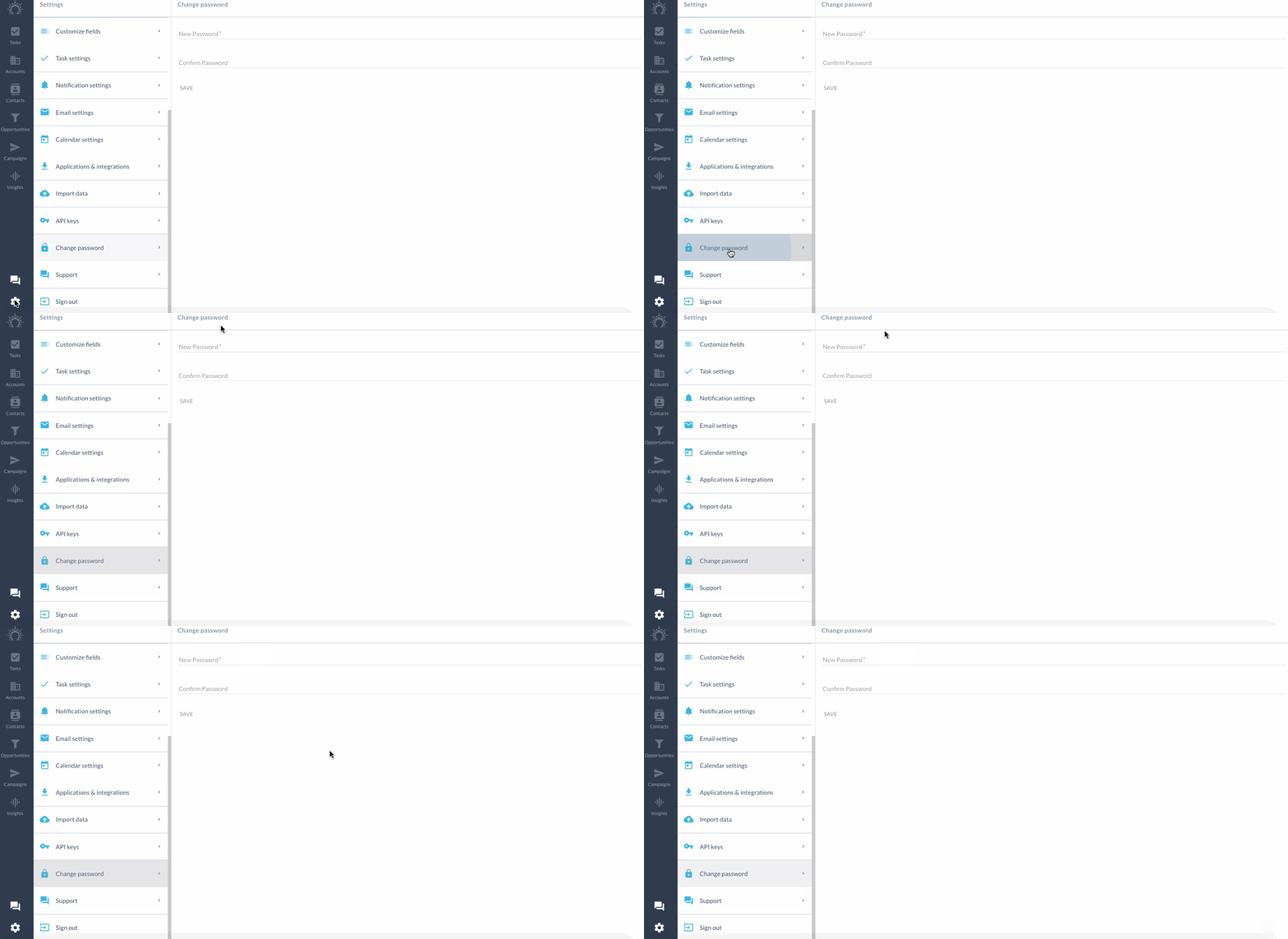
 You can change your password in Settings > Change password.
Forgot your password?
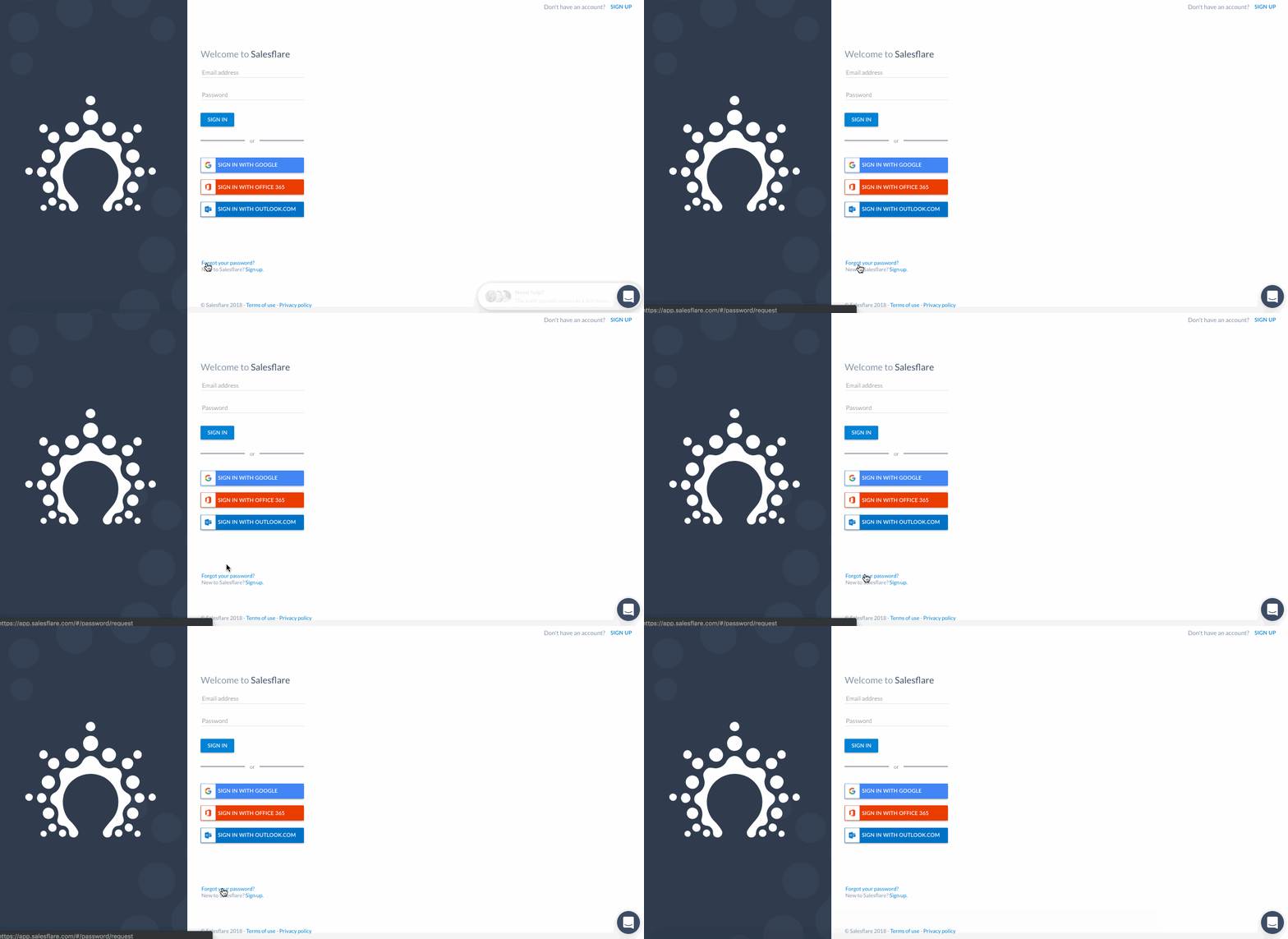
Head to the Salesflare login page.
Scroll down to the bottom and press 'Forgot your password?'
You'll receive an email with instructions on how to reset it!
Make sure to choose a strong one.
Have any questions? Just ping us on the chat. 👊