

Salesflare
How do I get admin consent in Microsoft 365 to connect Salesflare?
Microsoft 365 says “Need admin approval” - what do I do?
 Jeroen CorthoutLast updated:
 Sometimes, when you sign up for Salesflare with your email or connect your calendar using Microsoft 365, Microsoft blocks you with a message like “Need admin approval”.
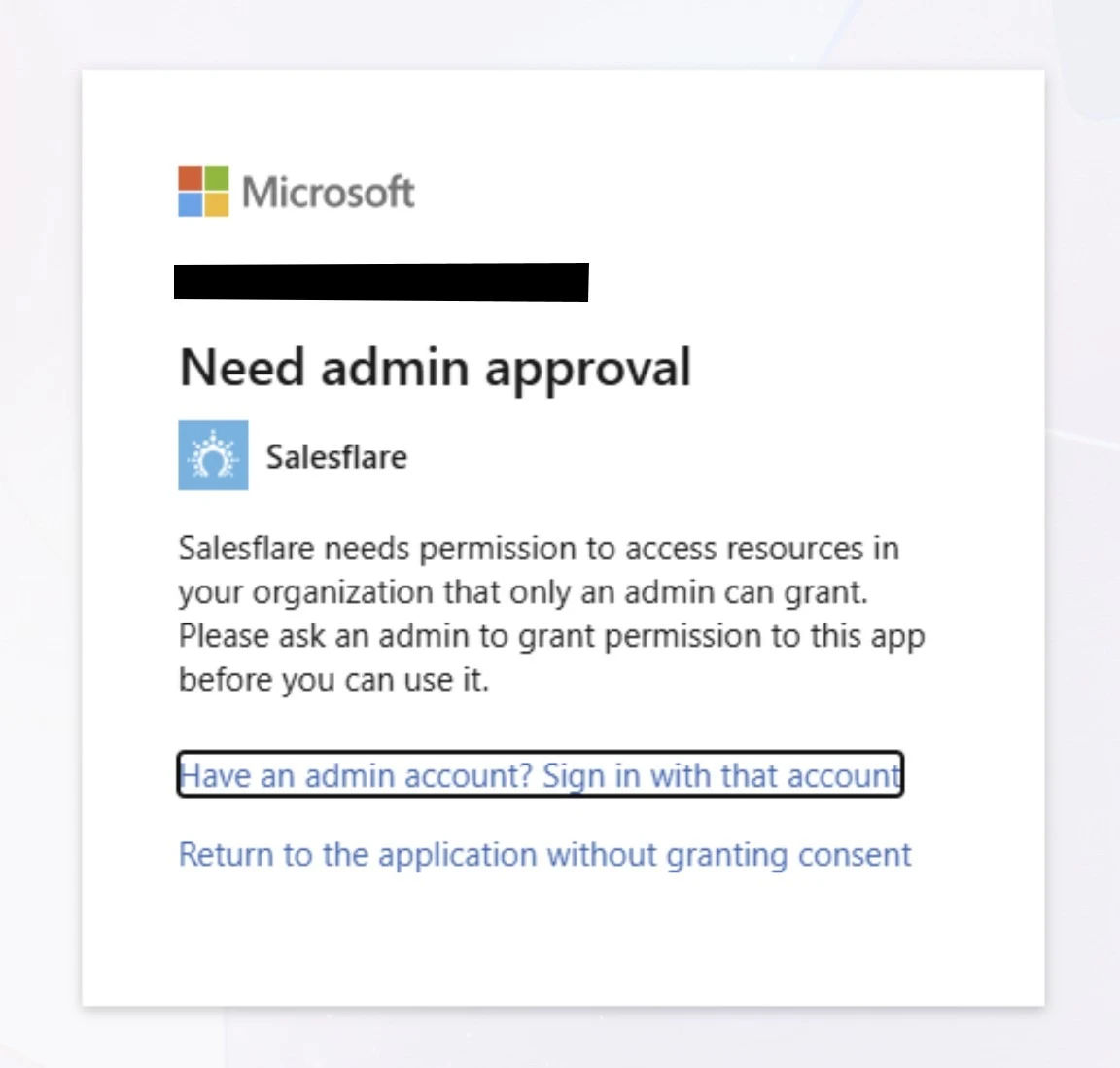
This simply means your company’s Microsoft 365 settings require an IT admin to approve new apps before employees can use them.
EMAIL - To get admin consent to connect your email: what to do
If you’re not your company’s IT admin
Send the message below to your IT admin.
Once they approve it, try again (open the invite link again or disconnect and connect Microsoft 365 emails in Salesflare).
Message to send to IT:
Hi there! Microsoft is blocking my Salesflare CRM login with “Need admin approval”. Salesflare needs access to my inbox so it can be used to list, send and process emails. Can you approve the Salesflare app for our Microsoft 365 organization so I can connect my email? You can do this through this link: https://salesfla.re/m365adminconsent
If you are the IT admin
Approve the Salesflare app for your Microsoft 365 organization:
If Microsoft shows you a consent screen, choose the option to approve it for the whole organization and confirm.
Or go to Microsoft Entra admin center → Enterprise applications → find Salesflare → Grant admin consent. Or use this link: https://salesfla.re/m365adminconsent
After approval, the user can retry signing in and the invite should go through.
CALENDAR - To get admin consent to connect your calendar: what to do
If you’re not your company’s IT admin
Send the message below to your IT admin.
Once they approve it, try again (connect your Microsoft 365 calendar in Salesflare).
Message to send to IT:
Hi there! Microsoft is blocking my Salesflare CRM calendar connection (using Cronofy) with “Need admin approval”. Salesflare needs access to my calendar through this service so it can be used to list and process meetings. Can you approve Cronofy for our Microsoft 365 organization so I can connect my calendar? You can do this through this link: https://salesfla.re/m365calendaradminconsent
If you are the IT admin
Approve Cronofy, the third party service that Salesflare uses for calendar connections, for your Microsoft 365 organization:
If Microsoft shows you a consent screen, choose the option to approve it for the whole organization and confirm.
Or go to Microsoft Entra admin center → Enterprise applications → find Cronofy → Grant admin consent. Or use this link: https://salesfla.re/m365calendaradminconsent
After approval, the user can retry signing in and the invite should go through.
Still stuck?
Try again in a private/incognito window and make sure you’re signing into the right Microsoft work account (some people have multiple Microsoft accounts).
If that doesn't work either, reach out to us on the chat. We're happy to help!