# Can I change the order of my custom fields?
How do I rearrange custom fields?
Change the order in which custom fields appear by dragging and dropping them in [Settings \> Customize fields](https://app.salesflare.com/#/settings/customfields/account).
Make sure you're on the correct tab at the top (Account, Contact, Opportunity), depending on which custom fields you'd like to rearrange.
We'll use the custom field 'Interests' as an example.
## Before
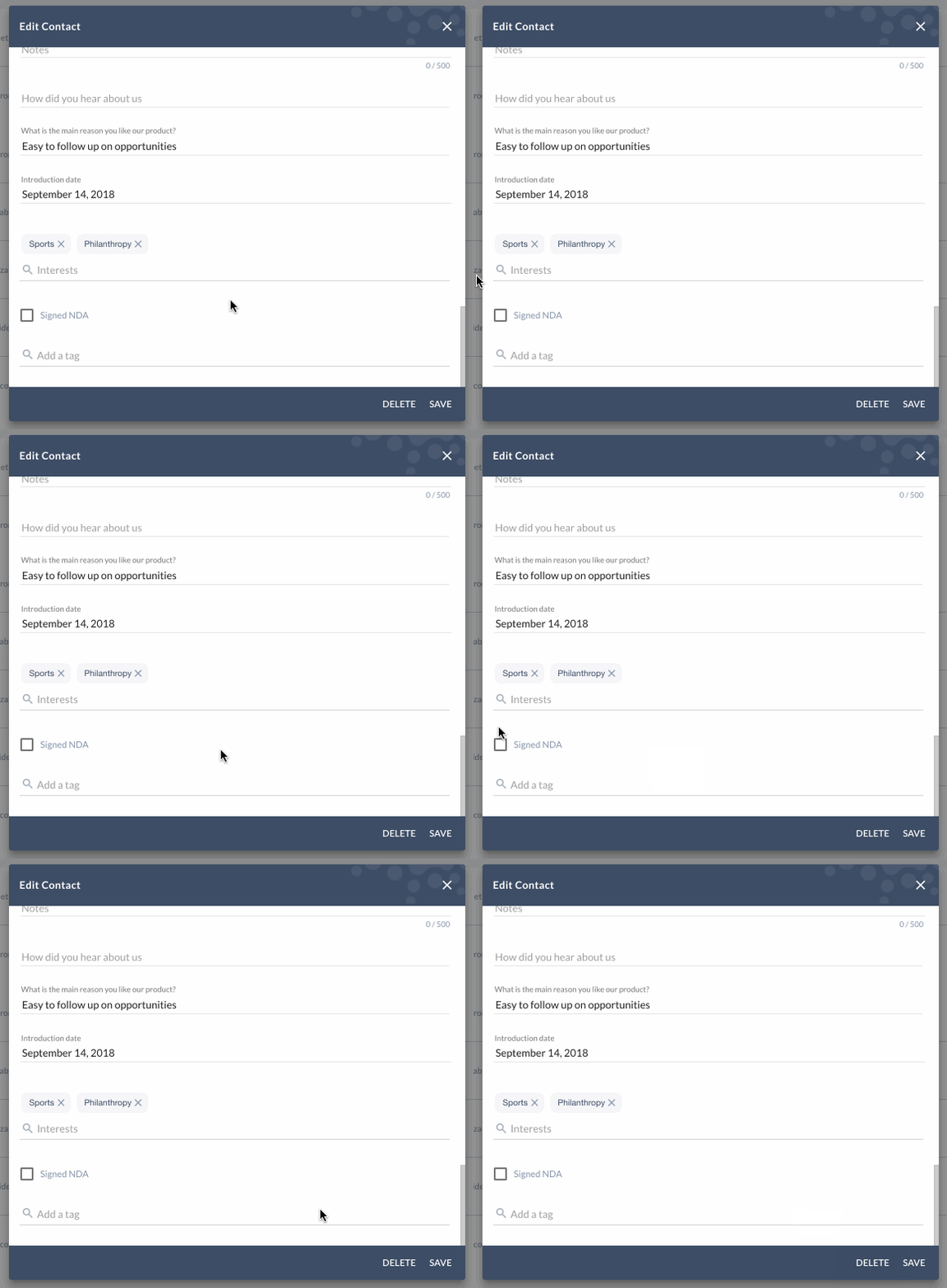
'Interests' are close to the bottom, just above the 'Signed NDA' checkbox custom field.
## Drag & drop
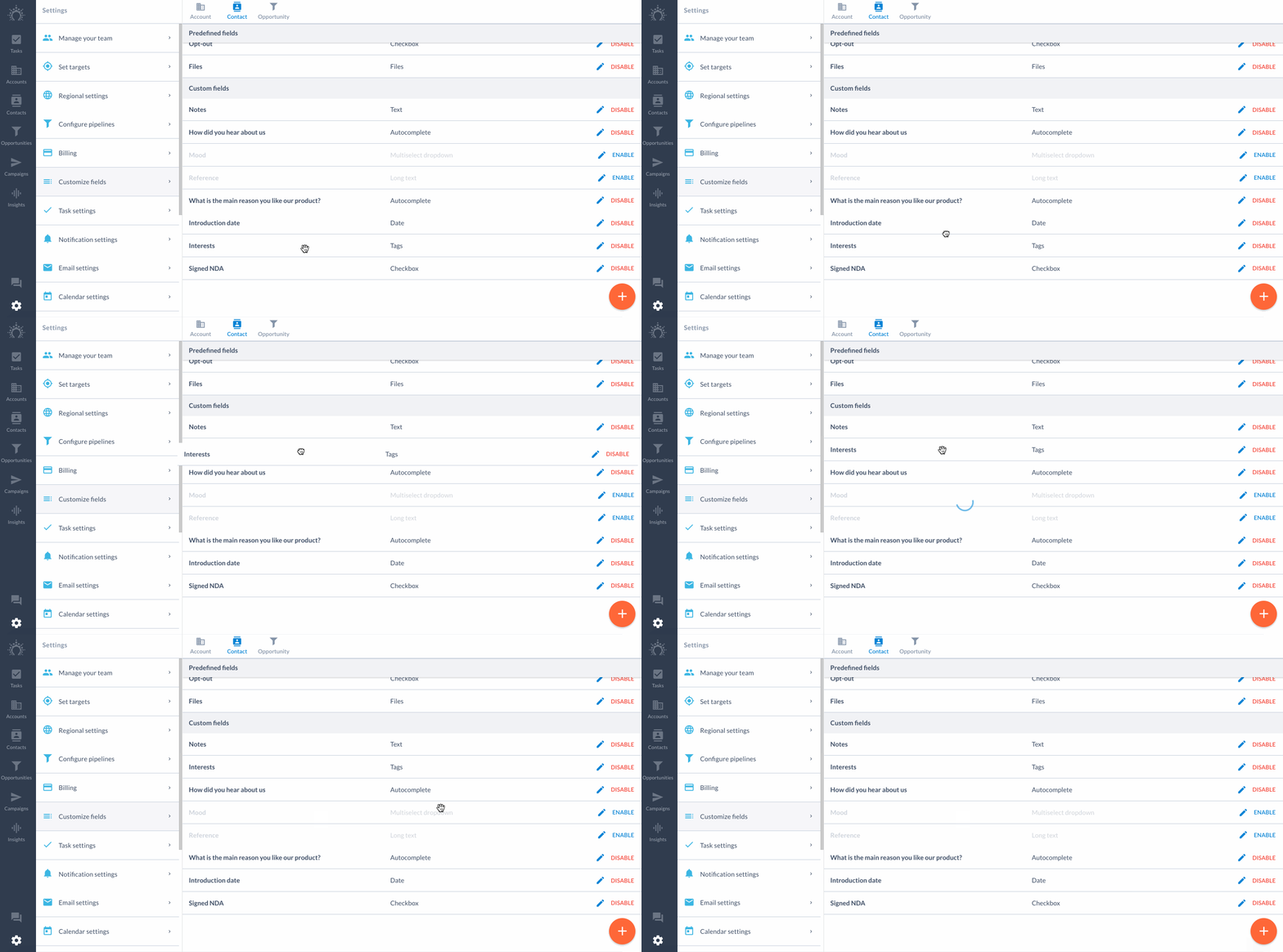
Drag & drop the custom fields in the order you'd like them to be arranged.
We'll drag the 'Interests' custom field just under the 'Notes' custom field in the Settings.
## After
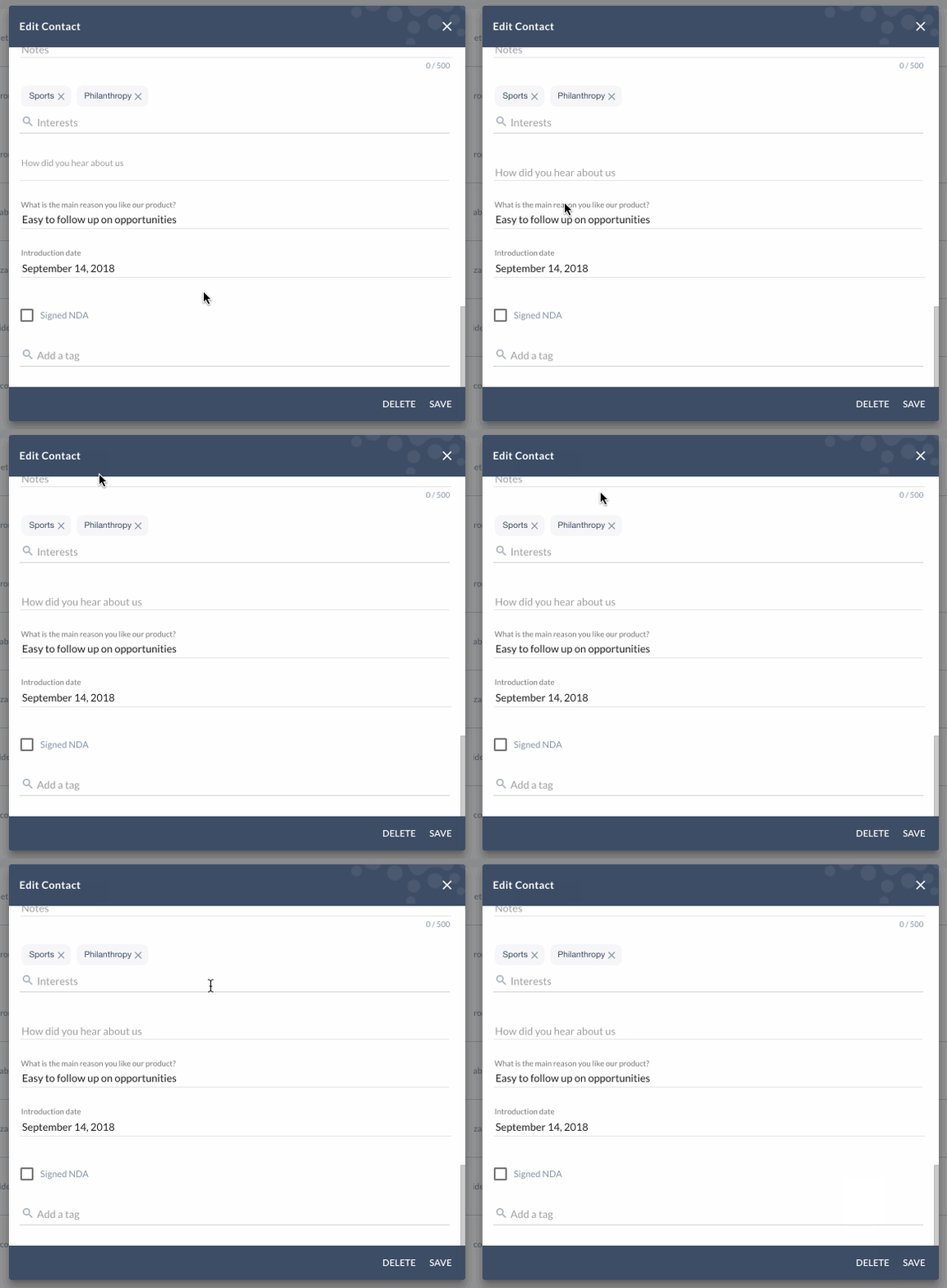
And now you'll find 'Interests' near the top.
Magix. 😏
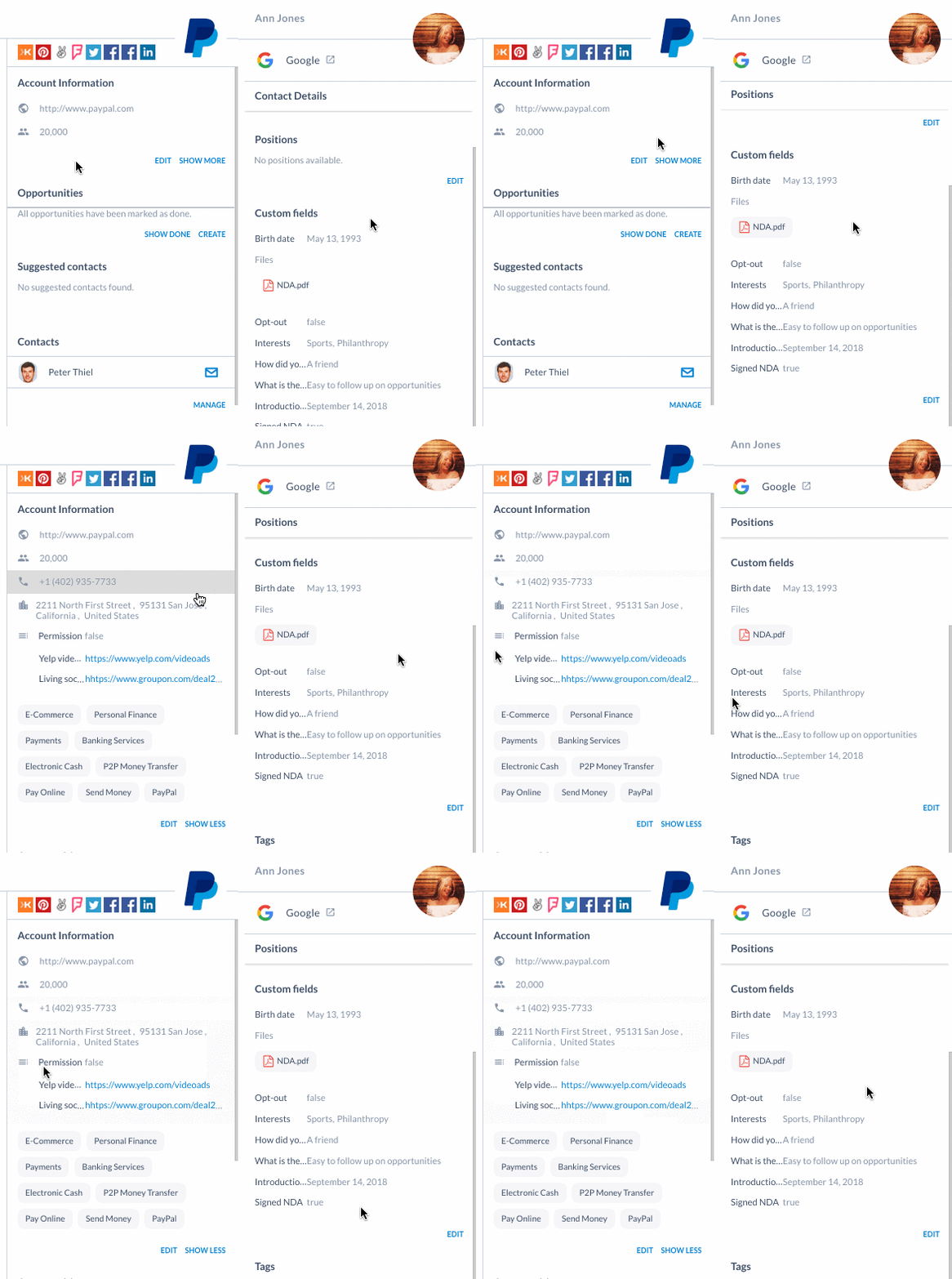
This will rearrange the way custom fields appear in edit windows, as well as under 'Account Information' and 'Contact Details'.
Any questions?
Ping us on the chat! 👊