# Can I insert an image in my email workflow?
I can send my contacts GIFs? 🙌
## **Option 1:**
****Simply drag & drop your images/GIFS into the email compose window and resize them with ease.
## **Option 2:**
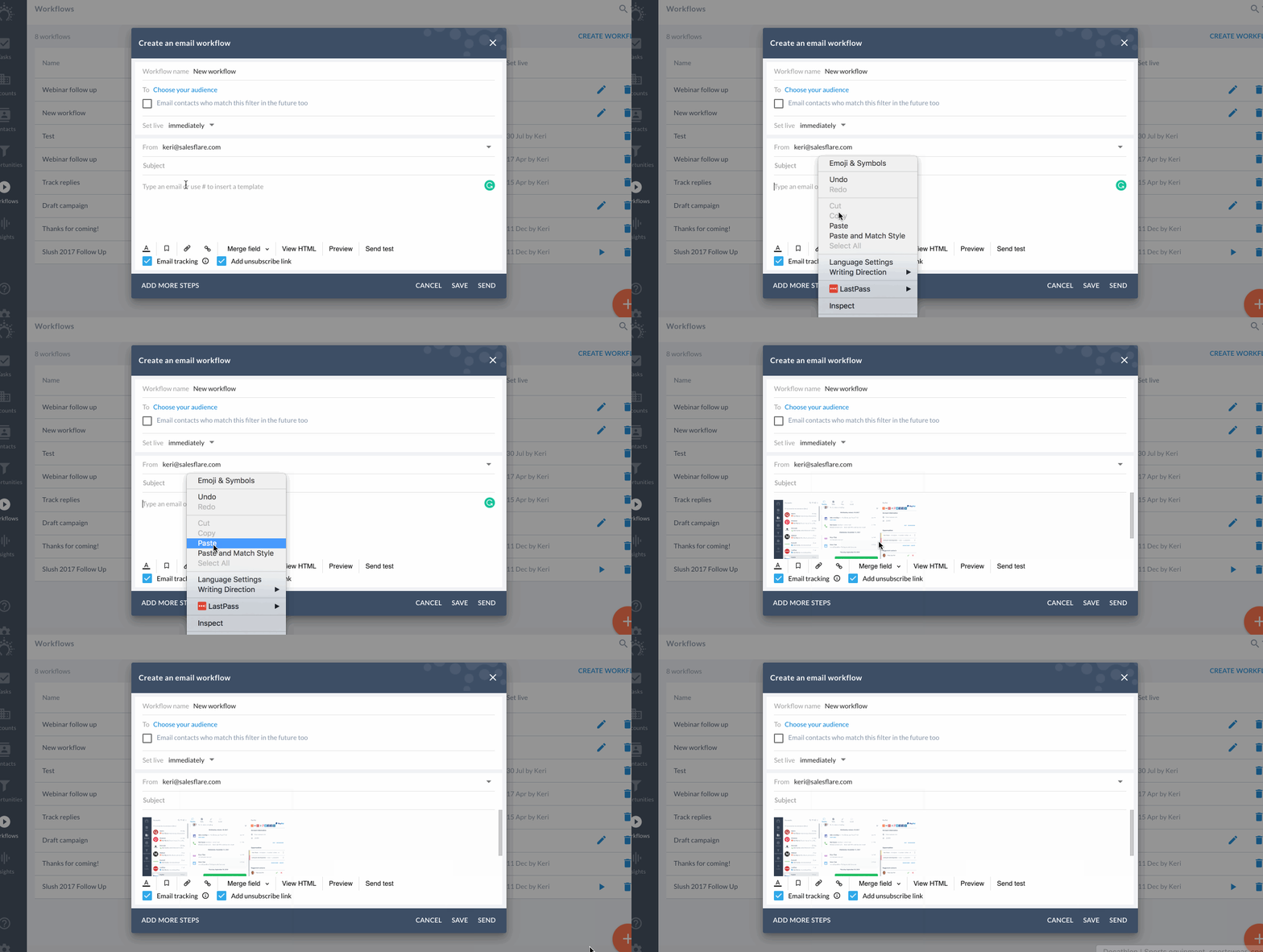
Insert with a simple copy-paste.
Just right click and copy image.
Open up your 'Create an email workflow' window.
Right click to paste image and voilà!
## **Option 3:
**
****Insert an HTML code in these 3 basic steps.
**Step 1: View HTML**
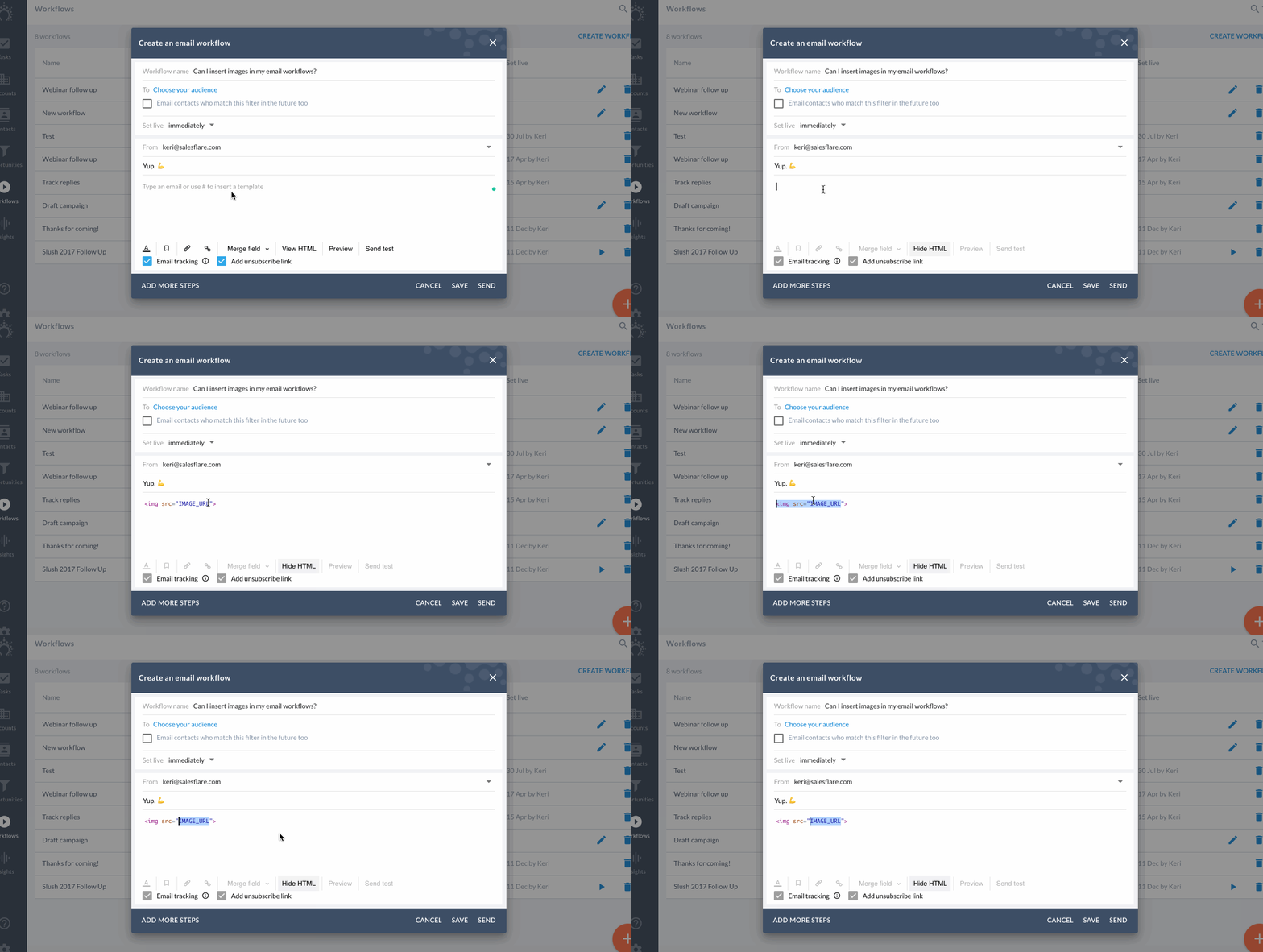
Click **'View HTML'** in the 'Create an email workflow' or email step screen.
**Step 2: Insert code snippet**
Simply add this line of HTML-code:
\ 
**Step 3: Add your image URL**
Replace **'IMAGE\_URL'** with any url of an online image.
If you click **'Hide HTML'**, you will see the image.
Just finish typing your message and send. 🚀

**Step 3: Add your image URL**
Replace **'IMAGE\_URL'** with any url of an online image.
If you click **'Hide HTML'**, you will see the image.
Just finish typing your message and send. 🚀